Boot / Startup
Booting is the process your computer goes through when you turn it on.
During startup, the machine runs a series of checks, loads the operating system, and prepares everything you need to start working. It is the journey from pressing the power button to seeing your desktop. The speed of this process depends on your hardware, the number of startup programs, and your type of storage drive.
What it looks like
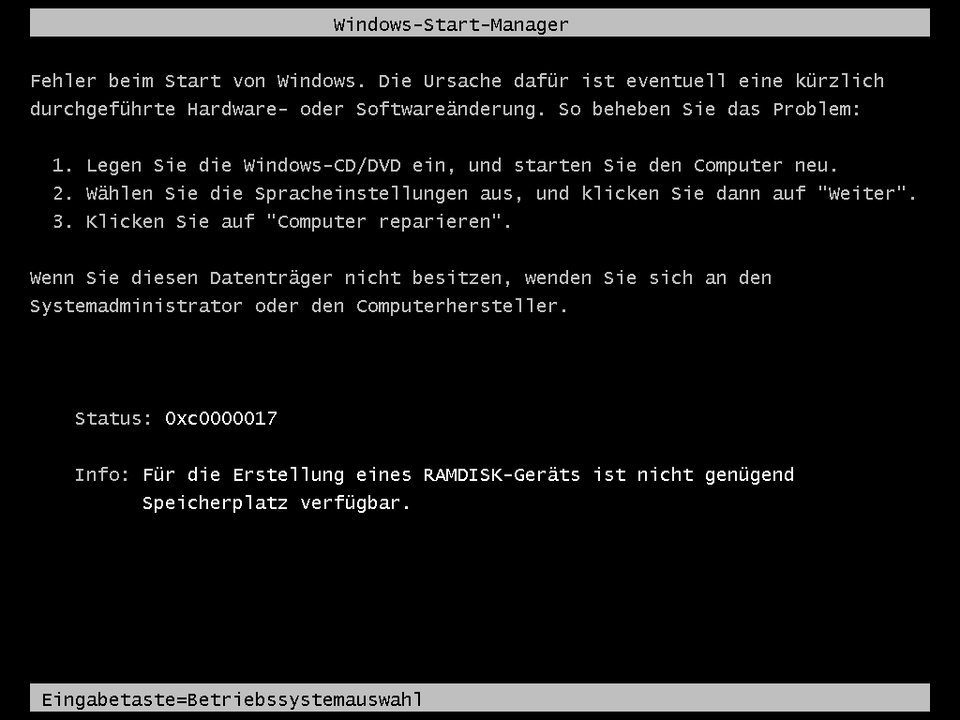
Boot / Startup, explained at three levels
At home
Booting is what happens between pressing the power button and being able to use your computer. Your machine runs a quick self-check, loads the operating system like Windows or macOS, and then opens any programs set to start automatically. If your computer takes a long time to boot, it might have too many startup programs or an older hard drive. Upgrading to a solid-state drive is one of the best ways to speed things up.
At work
In a business environment, boot time directly affects employee productivity, especially in organizations with hundreds of devices. IT departments optimize startup by controlling which programs launch automatically and ensuring systems use fast storage drives. Group policies manage startup configurations across the organization. Slow boot times are a common help desk complaint that can often be resolved by reducing startup applications.
At home
The boot process begins with firmware initialization, where UEFI or BIOS performs a Power-On Self-Test to verify hardware integrity. The firmware then locates and loads the bootloader from the designated boot device. The bootloader hands off to the operating system kernel, which initializes device drivers, system services, and the user interface. Startup programs configured by the user or administrator launch after the operating system is fully loaded.
At work
Enterprise boot management involves Secure Boot configuration to prevent unauthorized code from running during startup, network boot options like PXE for automated deployment, and boot image management for virtual desktop environments. Measuring boot performance with tools like Windows Boot Trace helps identify bottlenecks. Pre-boot authentication for disk encryption adds security but can extend the startup process.
At home
At a technical level, the UEFI boot sequence involves firmware initialization, driver dispatch, boot device selection, and operating system handoff through the EFI System Partition. Secure Boot validates cryptographic signatures of the bootloader and kernel to prevent rootkits. Fast startup features like Windows Fast Boot serialize the kernel session to disk during shutdown, enabling quicker restoration. Dual-boot configurations use bootloaders like GRUB to let users select between operating systems.
At work
In large-scale infrastructure, boot optimization at the fleet level involves golden image management, automated BIOS and UEFI configuration, and startup performance monitoring across thousands of endpoints. Network boot capabilities support diskless workstations and rapid provisioning. Virtual desktop infrastructure decouples the boot process from physical hardware entirely. Measured boot with TPM attestation provides cryptographic proof that a system booted into a trusted state, supporting zero-trust security models.
Real-world examples
At home
Ryan presses the power button on his new laptop and notices it reaches the desktop in about 10 seconds. His old computer used to take over two minutes. The difference is that his new laptop has a solid-state drive, which loads the operating system much faster than his old mechanical hard drive.
At work
Megan, an IT technician, receives complaints that office computers are taking five minutes to boot each morning. She opens Task Manager's startup tab and finds 15 unnecessary programs set to launch at boot. After disabling the non-essential ones, boot time drops to under 90 seconds, and employees start their day faster.
Common confusions
- One common misunderstanding is that restarting and booting are the same thing. Restarting skips some hardware initialization steps since the system was already running, though modern fast-boot features blur this distinction.
- It's often assumed that slow boot times mean the computer is broken. Slow startups are usually caused by too many programs trying to launch at once, not hardware failure.
- A lot of people believe the boot process is instant on modern computers. Even fast SSDs go through multiple stages, but they complete them so quickly it feels nearly instant.
For analysts
Boot time is an often-overlooked metric in user experience. When rolling out new hardware or software, measure startup performance before and after deployment. If a new security tool adds 30 seconds to every boot across 500 machines, that is over four hours of lost productivity every morning. Include boot time impact in your acceptance criteria for any software that runs at startup.
History & origin
The term 'boot' comes from the phrase 'pulling yourself up by your bootstraps,' reflecting how a computer starts itself from nothing. Early computers required manual loading of programs through switches and punch cards. The development of ROM-based bootstrap loaders in the 1970s automated this process. Modern computers use UEFI firmware, which replaced the older BIOS system, enabling faster and more secure startup sequences.