Proprietary Software
Proprietary software is software owned by a company or individual that keeps its source code private.
You cannot view, modify, or share the underlying code. To use it, you typically purchase a license or pay a subscription fee. Common examples include Microsoft Office, Adobe Photoshop, and most commercial video games.
What it looks like
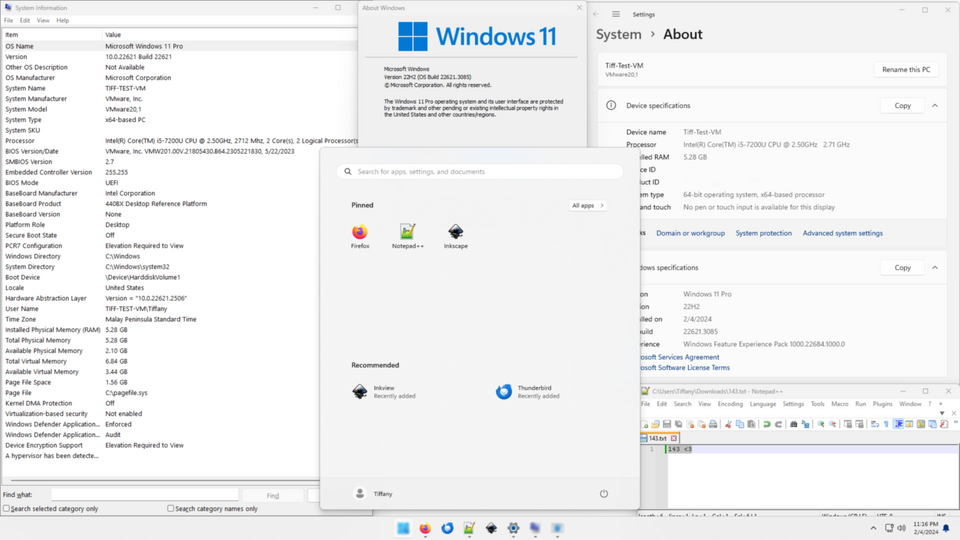
Proprietary Software, explained at three levels
At home
Proprietary software is like a sealed recipe — you get to enjoy the finished product, but you cannot see or change how it was made. Companies like Microsoft and Adobe create software, keep the code private, and sell you a license to use it. You agree to their terms when you install it, which typically means you cannot copy or share it. Most of the well-known apps on your computer or phone are proprietary.
At work
In business, proprietary software often comes with guaranteed support, regular updates, and compliance certifications. Companies purchase licenses based on the number of users or devices, and vendors provide service-level agreements. This model gives organizations a single point of contact for troubleshooting and accountability. The trade-off is higher cost and dependence on the vendor's roadmap.
At home
Proprietary software is governed by End User License Agreements that define what you can and cannot do with the product. These agreements restrict reverse engineering, redistribution, and modification. Licensing models vary from perpetual licenses to annual subscriptions and per-seat pricing. Understanding these terms is important when budgeting and ensuring your organization stays compliant.
At work
Enterprise procurement of proprietary software involves negotiating volume licensing, evaluating total cost of ownership, and assessing vendor stability. IT departments must manage license audits, renewal cycles, and version upgrades across the organization. Vendor lock-in is a significant consideration, as migrating away from proprietary platforms can be costly and time-consuming. Integration with existing systems often requires purchasing additional modules or middleware.
At home
Under the hood, proprietary software may use code obfuscation and digital rights management to protect intellectual property. Developers working with proprietary platforms often rely on APIs and SDKs provided by the vendor, with limited visibility into internal implementation. Security vulnerabilities in proprietary software depend on the vendor's disclosure and patching practices. Evaluating proprietary tools requires trust in the vendor's security processes since you cannot audit the code yourself.
At work
From an enterprise architecture perspective, proprietary software decisions impact long-term flexibility and exit strategy planning. Organizations must weigh the benefits of vendor-supported ecosystems against the risks of being locked into a single technology stack. Contract negotiations should include data portability clauses, escrow agreements for source code, and clear terms for end-of-life transitions. Strategic vendor management ensures that proprietary investments align with the organization's technology roadmap.
Real-world examples
At home
Lisa buys a subscription to Adobe Photoshop to edit her photography portfolio. She gets regular updates, professional-grade tools, and access to Adobe's customer support. However, she cannot see or modify how Photoshop works internally — she uses it as Adobe designed it.
At work
Marcus, an IT manager, purchases Microsoft 365 licenses for 200 employees. The subscription includes email, document collaboration, and cloud storage with a guaranteed uptime agreement. His team relies on Microsoft's support team for troubleshooting, but they cannot customize the core software beyond what Microsoft allows.
Common confusions
- Many people assume proprietary software is always better than open source. Quality depends on the specific product, not the licensing model.
- A lot of people believe buying software means you own it. You typically own a license to use it under specific terms, not the software itself.
- One common misunderstanding is that proprietary means expensive. Some proprietary software is free to use, with revenue coming from premium features or advertisements.
For analysts
When gathering requirements for a new tool, always ask whether proprietary or open source makes more sense for the use case. Proprietary software often wins when you need guaranteed support, compliance certifications, or tight integration with an existing vendor ecosystem. But make sure to document exit costs — if the vendor raises prices or sunsets the product, switching can be painful. Include data export capabilities as a requirement from day one.
History & origin
In the early days of computing, software was often shared freely among researchers. By the late 1970s and 1980s, companies like Microsoft and Apple began treating software as a commercial product and restricting access to source code. This shift established the proprietary software model that dominates consumer and enterprise markets today, though open source alternatives have grown steadily alongside it.