Freeware vs Shareware
Freeware is software you can download and use completely free of charge, with no time limits.
Shareware is software you can try for free, but you are expected to pay if you keep using it after a trial period. Both let you test before committing, but they work on different models. Understanding the difference helps you know what to expect when downloading software online.
What it looks like
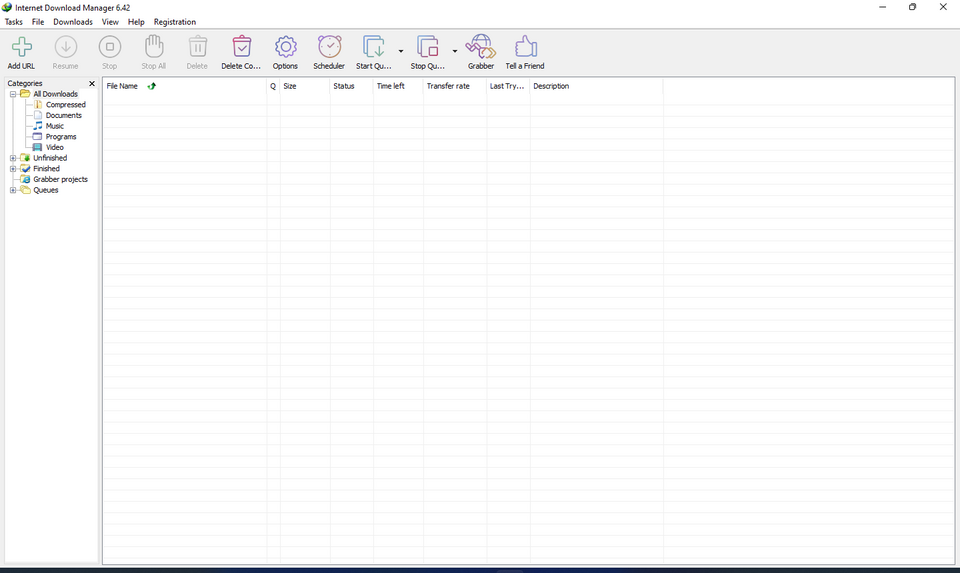
Freeware vs Shareware, explained at three levels
At home
Freeware is software you can use forever without paying a cent. Shareware lets you try software for free, but after a trial period you are expected to pay for the full version. Think of freeware as a free sample with no strings attached, and shareware as a test drive before buying. Both are common ways to get software from the internet.
At work
In a work environment, understanding freeware versus shareware matters for budgeting and compliance. Freeware can seem appealing, but you need to check licence terms to ensure commercial use is allowed. Shareware trials let teams evaluate tools before committing budget, but tracking trial expirations across multiple employees can become an administrative task. Always verify that the licence permits business use before deploying either type.
At home
Freeware is distributed at no cost but remains proprietary: the developer retains all rights to the source code. Shareware typically includes limitations like time-restricted trials, reduced features, or persistent upgrade reminders. Some shareware disables core functionality after the trial expires, while others simply add watermarks or nag screens. Neither model necessarily provides access to source code, distinguishing both from open source software.
At work
From a procurement standpoint, freeware and shareware present different risk profiles. Freeware may lack formal support agreements, creating challenges for enterprise deployment. Shareware evaluation periods can be useful for proof-of-concept testing, but organizations must establish processes to convert trials to paid licences before expiration. Licence audits should account for both freeware terms of use and shareware conversion obligations.
At home
Technically, shareware often implements licence enforcement through registration keys, activation servers, or feature flags that unlock full functionality upon payment. Some shareware uses time-based checks against system clocks, while more sophisticated versions phone home to a licensing server. Freeware distribution models sometimes bundle optional third-party software during installation, which requires careful attention during setup. Understanding these mechanisms helps when evaluating software trustworthiness.
At work
At scale, managing freeware and shareware across an enterprise requires software asset management tools and clear usage policies. Shadow IT (employees installing unapproved freeware) can introduce security vulnerabilities and compliance risks. Organizations benefit from maintaining an approved software catalogue that specifies which freeware is sanctioned for business use. Shareware evaluations should be coordinated through IT to prevent duplicate purchases and ensure enterprise licensing discounts.
Real-world examples
At home
Carlos downloads a freeware PDF reader to view documents on his laptop: it works fully and never asks for payment. Later, he tries a shareware video editor that gives him 30 days to test all features. After the trial, he decides the tool is worth the price and purchases a licence.
At work
Fatima, a project manager, asks her team to evaluate a shareware diagramming tool during its 14-day trial. After the trial, three team members find it valuable, so Fatima submits a purchase request for three licences. Meanwhile, the team continues using a freeware screenshot tool that has always been free for commercial use.
How it compares
| Feature | Freeware | Shareware |
|---|---|---|
| Cost | Always free | Free trial, then paid |
| Time limit | No expiration | Trial period (often 14 to 30 days) |
| Full features | Yes, from the start | May be limited until purchase |
| Source code | Usually not provided | Usually not provided |
| Revenue model | Donations, ads, or goodwill | Purchase after trial |
| Examples | VLC Media Player, IrfanView | WinRAR, Sublime Text |
Freeware is completely free with no time pressure. Shareware gives you a taste for free but expects payment to continue using it. Both let you try before committing, but your long-term costs differ significantly.
For analysts
If your team wants to use freeware or shareware, always check the licence terms for commercial use restrictions before you roll it out. Some freeware is free for personal use but requires a paid licence for business use. When evaluating shareware, set calendar reminders for trial expirations so you can make a buy or drop decision before the deadline. Documenting these decisions in your requirements log keeps everyone aligned.
History & origin
Shareware became popular in the 1980s and 1990s as a way for small developers to distribute software via floppy disks and bulletin board systems. Developers like Jim Button and Andrew Fluegelman pioneered the try-before-you-buy model. Freeware emerged alongside it as developers chose to give their software away entirely, sometimes supported by donations or advertising.